Rival Ultimate Steel Hand (Prototype)
A downloadable game for Windows and Linux
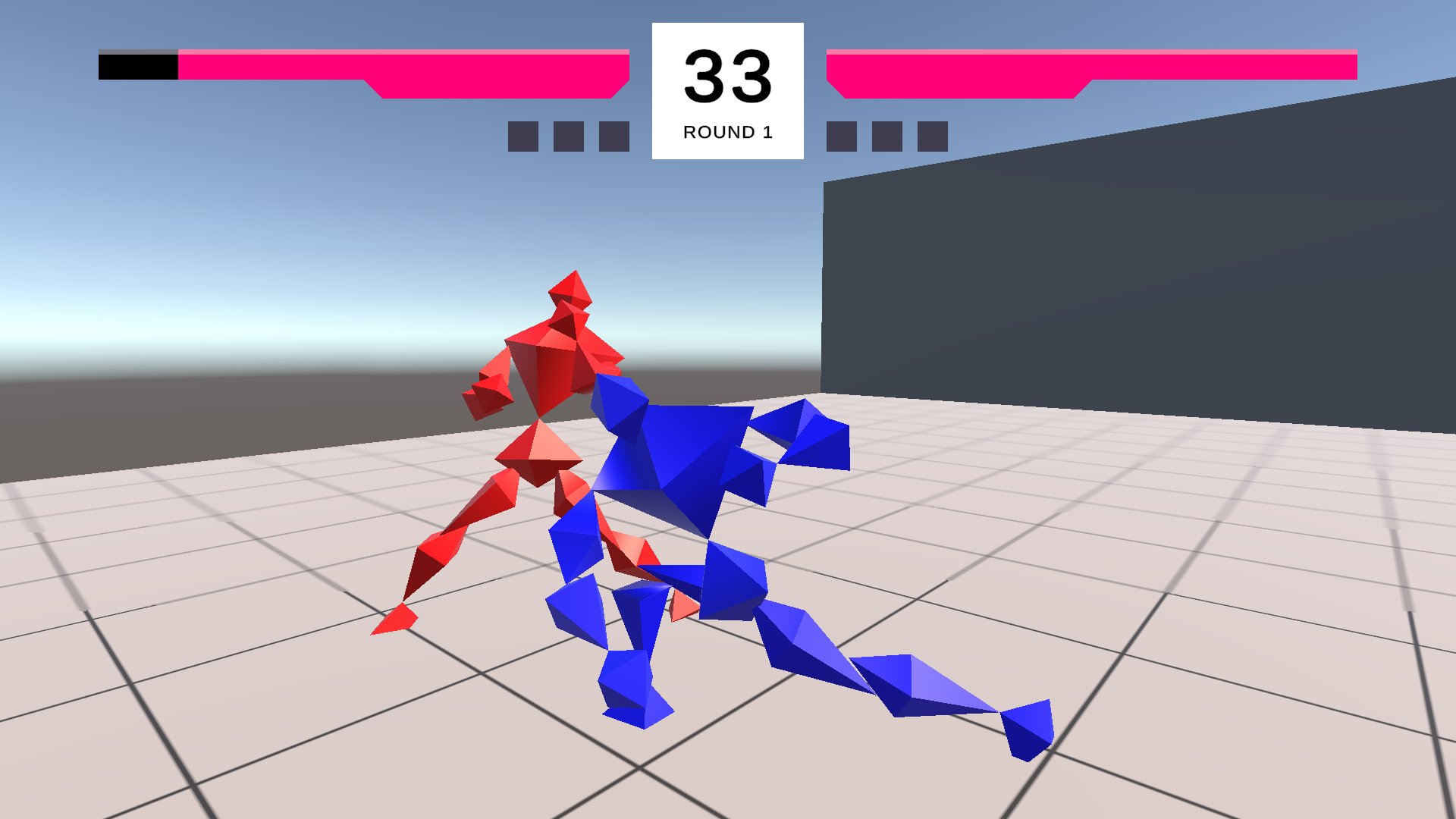
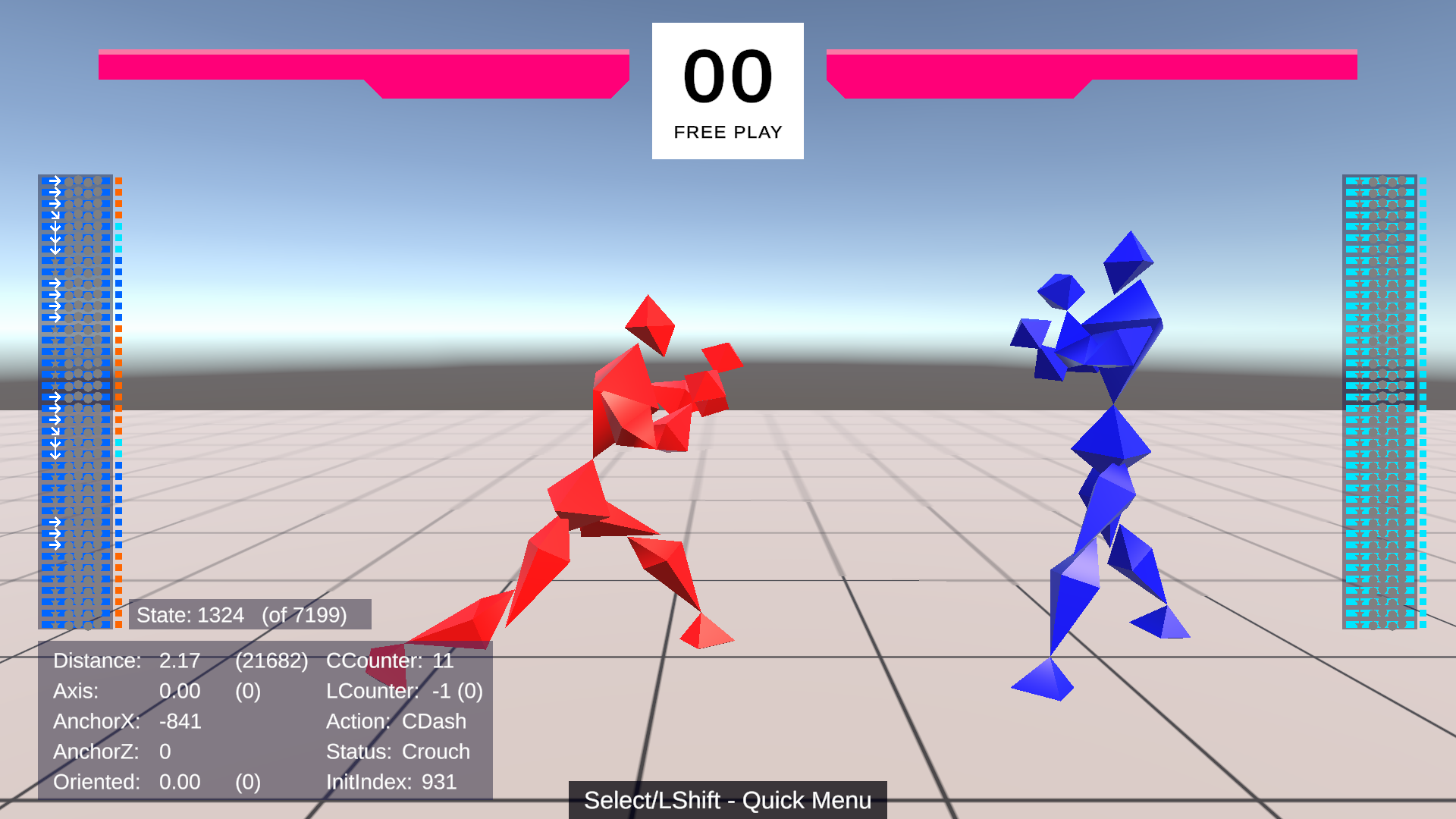
The first publicly available test build for a work-in-progress 3D fighting game, developed in Unity, inspired by classic games from the Tekken series. The product of about 8 months of engineering and research; content is minimal, but this prototype is a fully functional fighting game, developed first-and-foremost for robust rollback netcode.
When you download this game and unzip the files, please take a look at "HOW TO PLAY.txt" for some basic information on how to start playing. This is an early development build, so it currently lacks a lot of expected QOL features, like public lobbies, tap-to-set controls, or any onboarding.
Playable online 1v1 through the Unity Relay service, or with direct connect. Currently features Free Play (practice) and Best-Of-5 game modes. There's no character select; the generic fighters share a basic prototype kit of several key attacks, and a lovingly crafted spread of movement abilities, which should feel familiar to fans of Tekken. The command system has been carefully designed to be familiar to experienced Tekken players, as well, with a few looser restrictions. You'll enjoy much slicker and more effective movement than you may be used to.
This is a work in progress, and I plan on developing lots of important mechanics/features and building out the command list at a brisk pace. Join the Alcratz Dev Discord (discord.gg/Z7rP7dGWvY) to learn more about development and my direction for the project, stay up-to-date on progress, share thoughts/suggestions, or report any problems. You can also email me at alcratzdev@gmail.com.
If you want to support the project, you can do so here, or on Patreon (patreon.com/alcratz) or Ko-Fi (ko-fi.com/alcratz).
Download
Click download now to get access to the following files:
Comments
Log in with itch.io to leave a comment.
I can't use controller on linux
Can you PLEASE make a webgl port so I can play it on my school Chromebooks
Had a great time playing it on stream with friends! netcode felt great and it really does feel like a test of your fundamental fighting game knowledge! Great work!
Awesome game, excited to see where this goes
this game is fucking goated!! thanks for the linux support!
I’m here cause the Super Beast Dads gave it a shoutout
Castle Super beast check in
It works really well! I think it's pretty fun!
fun game :thumbsup:
alcratz u r a lifesaver, tekken is ass and my boi dvj is fun to why now. u are the noahs ark at this point
Awesome game
Is there a way to force full screen?
Unity games can be run with Arguments
To do this on Windows the easiest way is:
.exe1920 x 1080 (1080p monitor)
2560x1440
3840x2160 (4k monitor)
Edit: It looks like in the new version Alt + Enter toggles full screen
You can still use my previous guide to make shortcut if you want.
This feels amazing to play rn. Everything is intuitive and the netcode is seriously impressive. Going to attempt to convince my local friendgroup for a few matches
Hello, Alcratz, would you be interested in making a video and/or livestream answering some questions regarding the gameplay design of the game? Cheers, and good luck.
I've seen PhiDX and Diaphone do a vid on this already so I think it's go nuts with it
Goated, solo devs get all the respect! If I was good at unity I would ask to contribute but alas.
Need some help for next updates? I GIVE MY ASS FOR FREE!!
Hi, when i try to download the v0.1.2 version, my microsoft defender detects it like its a virus and doesnt finish the download, but with the v0.1.1 version it has no problem, is my microsoft defender stupid or i have to do something?
It's fine, Defender just doesn't like .exe files off of itch.io
I can feel some amount of input lag which bothers me. I also dislike that the low kick is that much low on it's own, without pressing down. Feels like it should be higher without a "modifier key".
In Linux version of the game, my controller doesn't work and I cannot confirm the player with a keyboard, I can press left and right and swap between characters, but I cannot confirm. Pressing 1 does nothing and pressing ESC closes and instantly re-opens the same menu. Basically, I cannot play the game.
I had to press I (i) and not 1, as it says on the screen. So keyboard controls work. But I cannot get my controller to work, unfortunately.
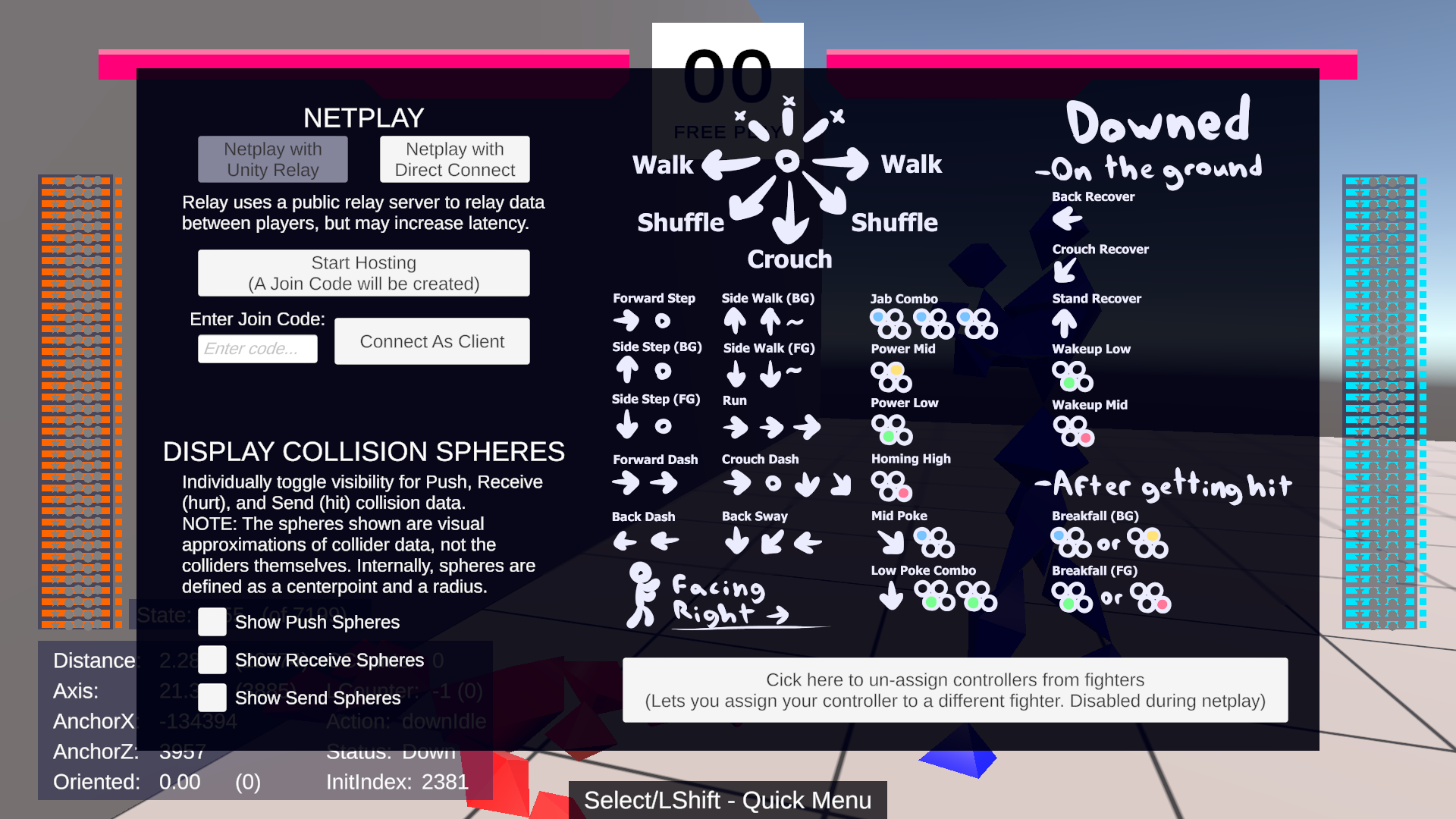
It's referring to Tekken notation. https://wavu.wiki/t/Notation
This has confused a lot of peeps, ye, the way I point out controls is inconsistent and unclear (I explain them in HOW TO PLAY.txt, but obviously most folks won't check that out). I'm sorting this out for the next update, as best I can
Why not explain that in game directly? I don't think there's any reason to use Tekken notation instead of an actual binded key (or a controller button) on that particular screen. Plus, even if the player is familiar with the notation, he still needs to know which keyboard keys are being used by default.
Because it's a prototype. It's very clear that UX is not part of the testing at this point.
nice work
Was able to run on linux using Steam, selecting Games->Add a Non-Steam Game to Library, then right click RUSH.exe->Properties->Compatibility->Force the use of a specific Steam Play compatibility tool->Proton 9.0-4
Runs locally, haven't tested mutiplayer
But there's a native Linux version, have you tried it?
Oh, maybe it wasn't up yet when I posted, haven't tried yet
The Great Dragon likes this!
Nerf Blue. Red is peak fundies if you lose to a red main you got outplayed.
add Waffle House as a stage!
Frame Data: https://docs.google.com/spreadsheets/d/1Q6RUkEvYgcynH_0EGTwuGzWVAl5kLjfCgG-UV08o...
hilarious
This is amazing
Back to basics.